Import a schedule
From an emailed schedule document to a pending drive on your list — sharing the file into the app, answering the app's questions about riders and locations it doesn't recognize yet, and confirming the drive.
Open the schedule in Mail
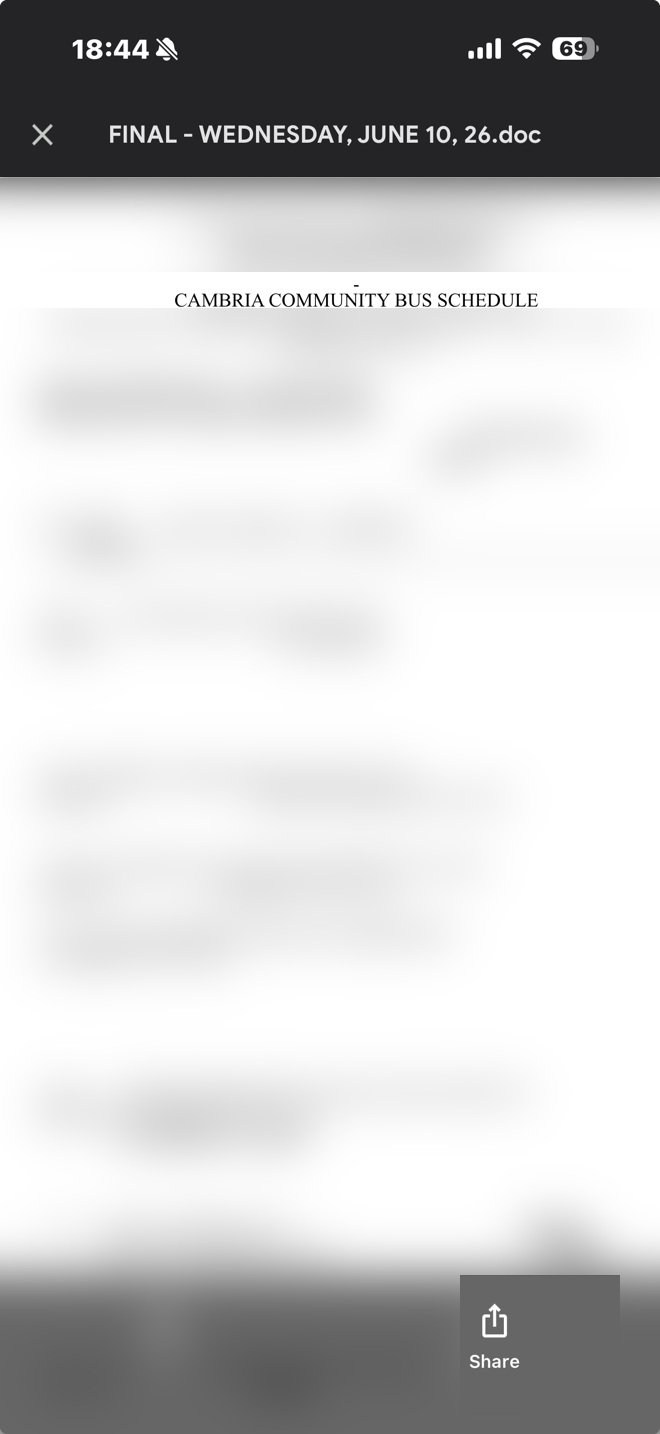
When the day's schedule arrives by email, open it from your Mail app. Cambria Bus reads the Word document (.doc) attachment directly — you don't need to save it anywhere first.
Share it to Cambria Bus
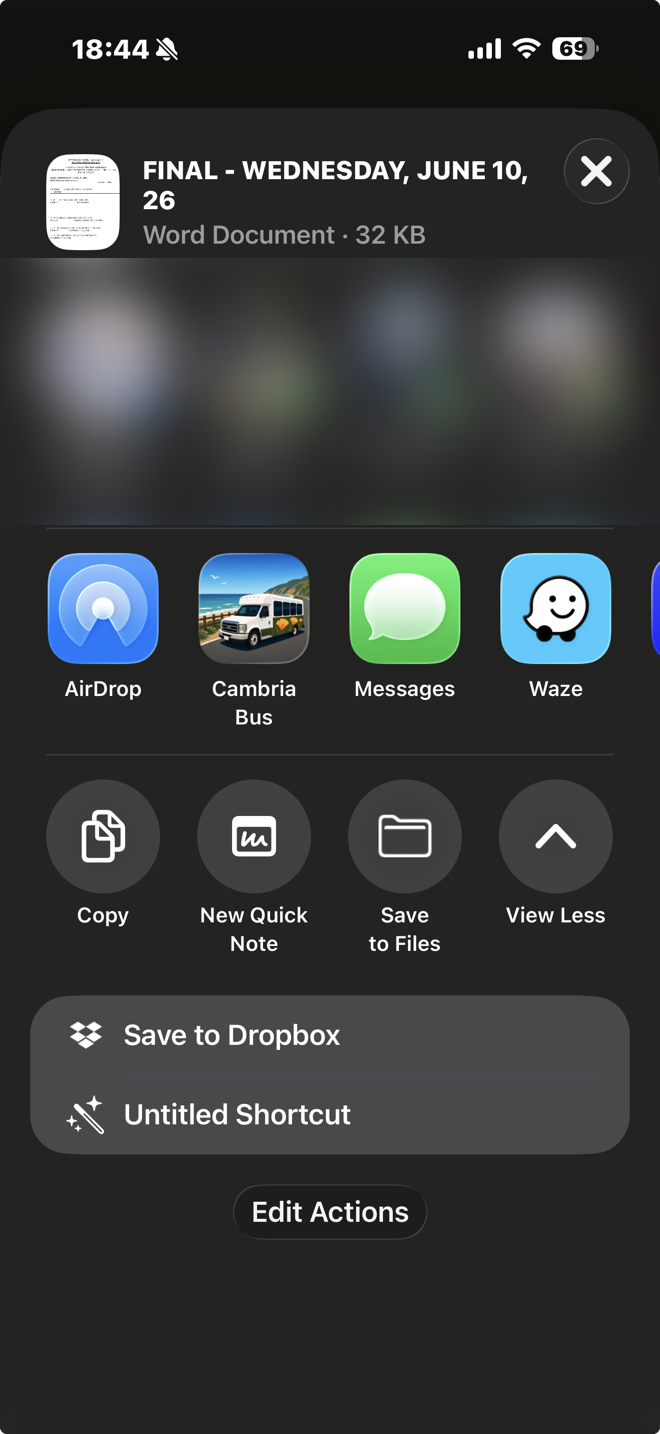
Tap the share icon and choose Cambria Bus from the share sheet. Because the app registers itself as a handler for .doc files, it shows up as a share target automatically — no separate import step in Mail.
The app reads the schedule
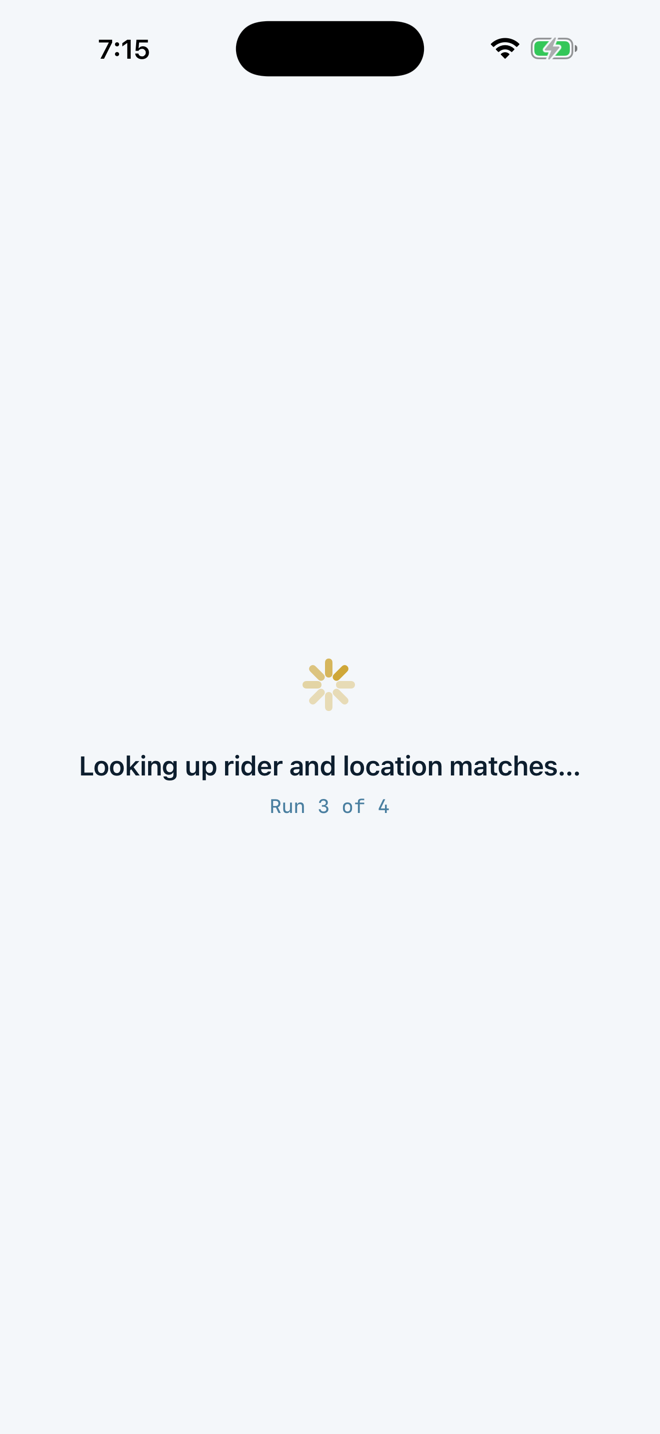
Cambria Bus opens straight into the import flow and works through the document: reading the stop list, then checking each rider and location against what it already knows.
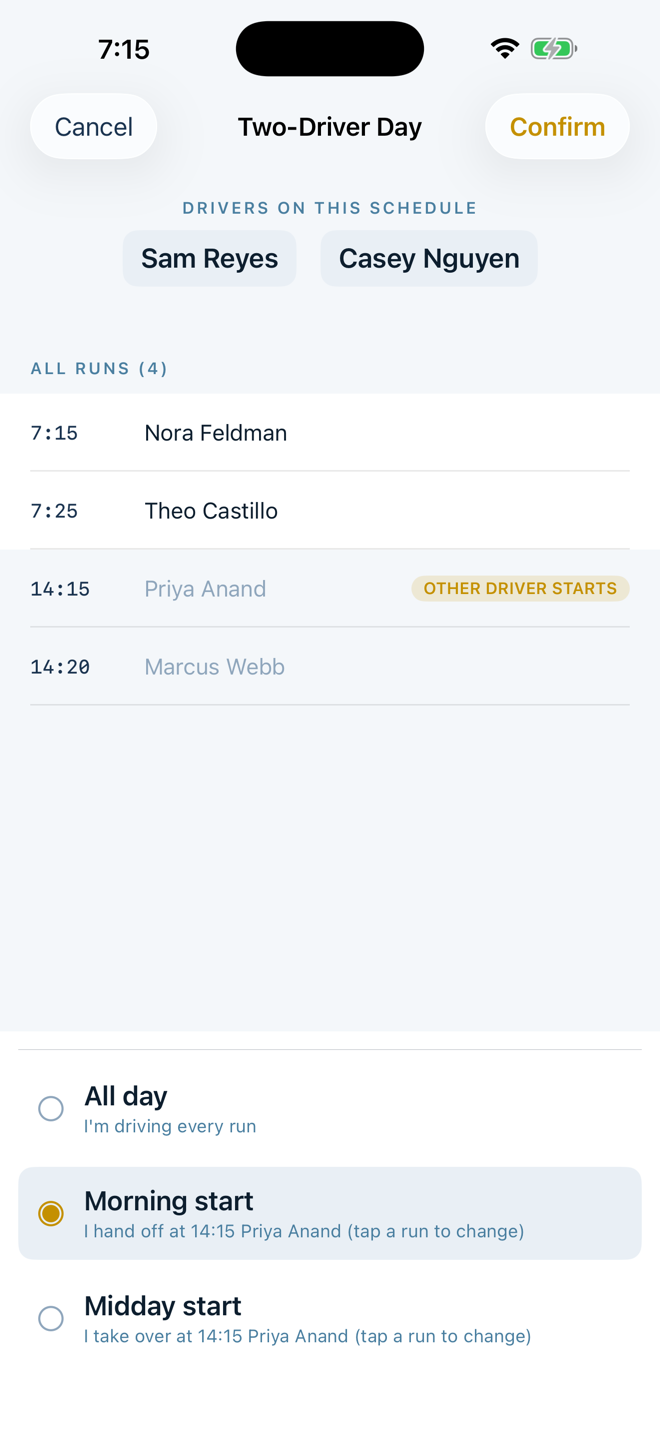
Two drivers on the schedule? Say which part is yours
If the schedule covers two drivers in one day, Cambria Bus asks which runs are yours before going further — all day, a morning start that hands off partway through, or a midday start that takes over partway through. This step is skipped entirely for a single-driver schedule.
Confirm a rider it doesn't recognize
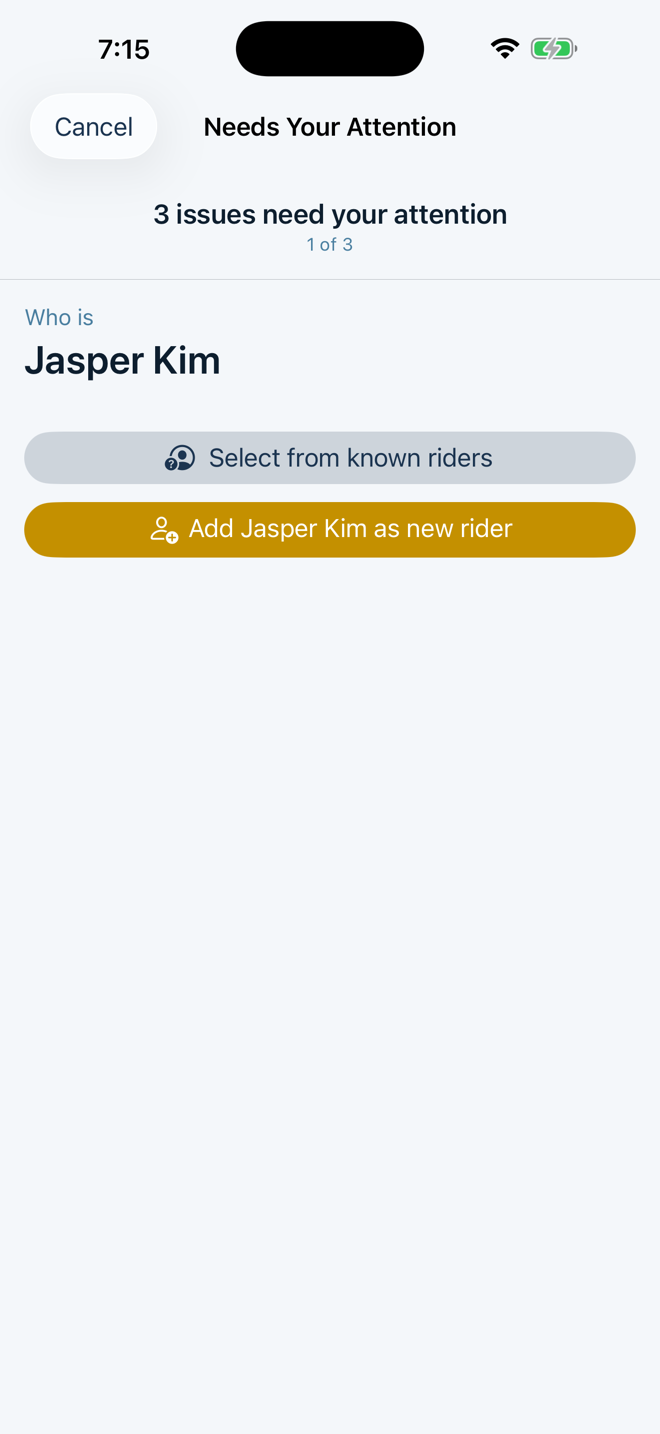
The first time a rider's name appears on a schedule, Cambria Bus asks you to confirm them — either matching them to someone already known, or adding them as a new rider. Once confirmed, the app remembers them for every future schedule.
Resolve a location it can't place — by searching
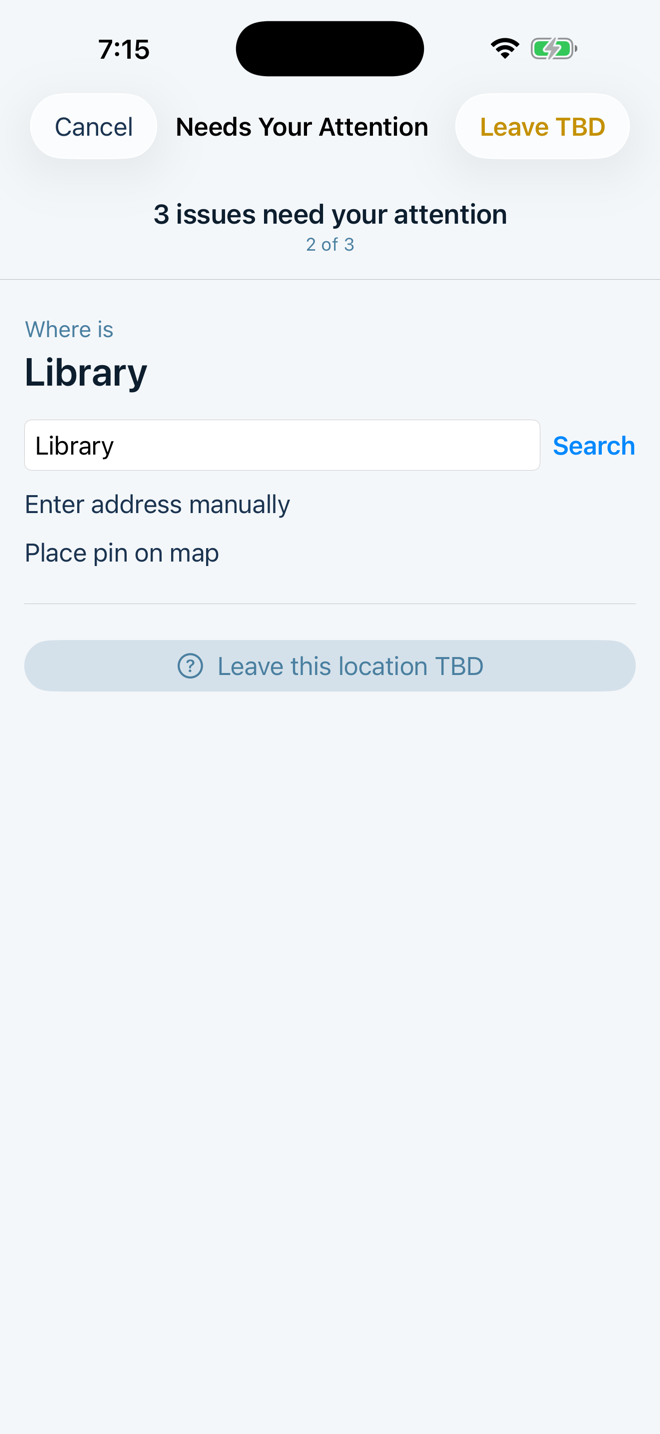
When a stop's destination is written informally (a nickname, an abbreviation), Cambria Bus asks you to pin down where it actually is. Searching is the default: type the real name and confirm the match.
...or by dropping a pin
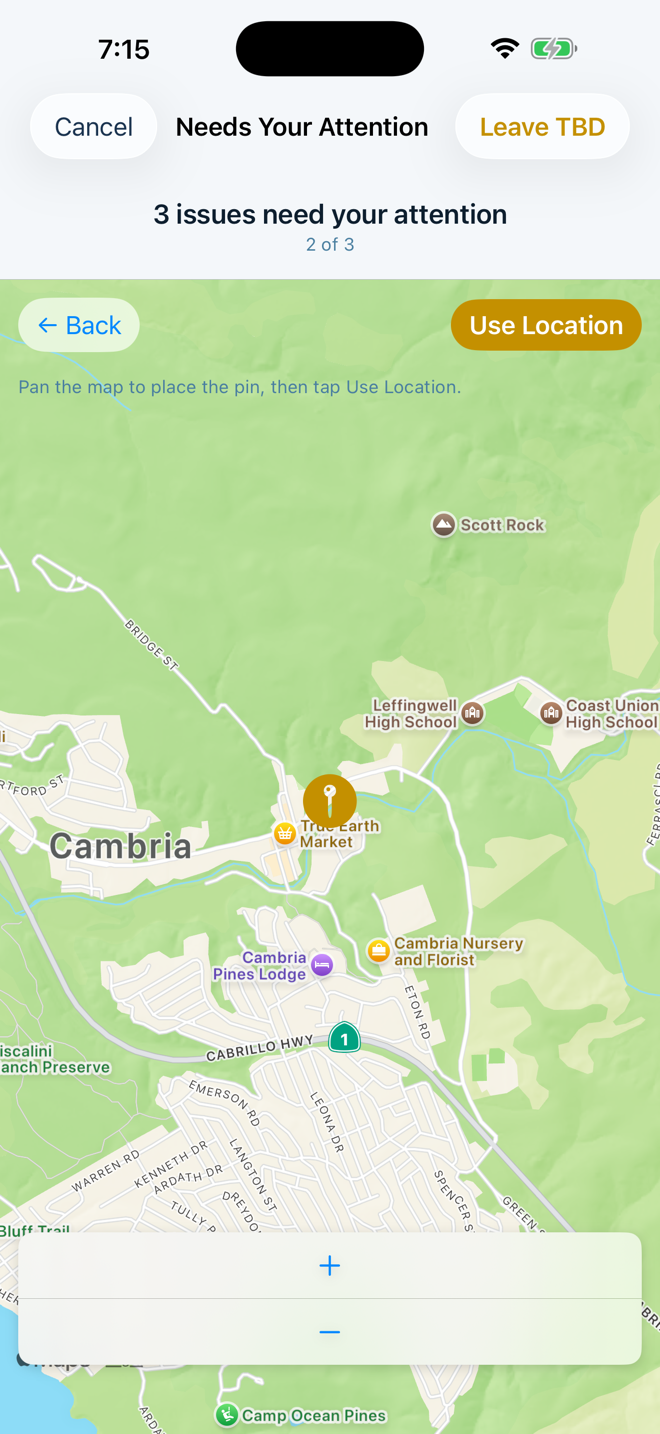
If a search doesn't find the right place, drop a pin on the map instead — pan to the spot and confirm. Either way, Cambria Bus remembers the location, so the same name on a future schedule resolves automatically.
Add a return trip if one's missing
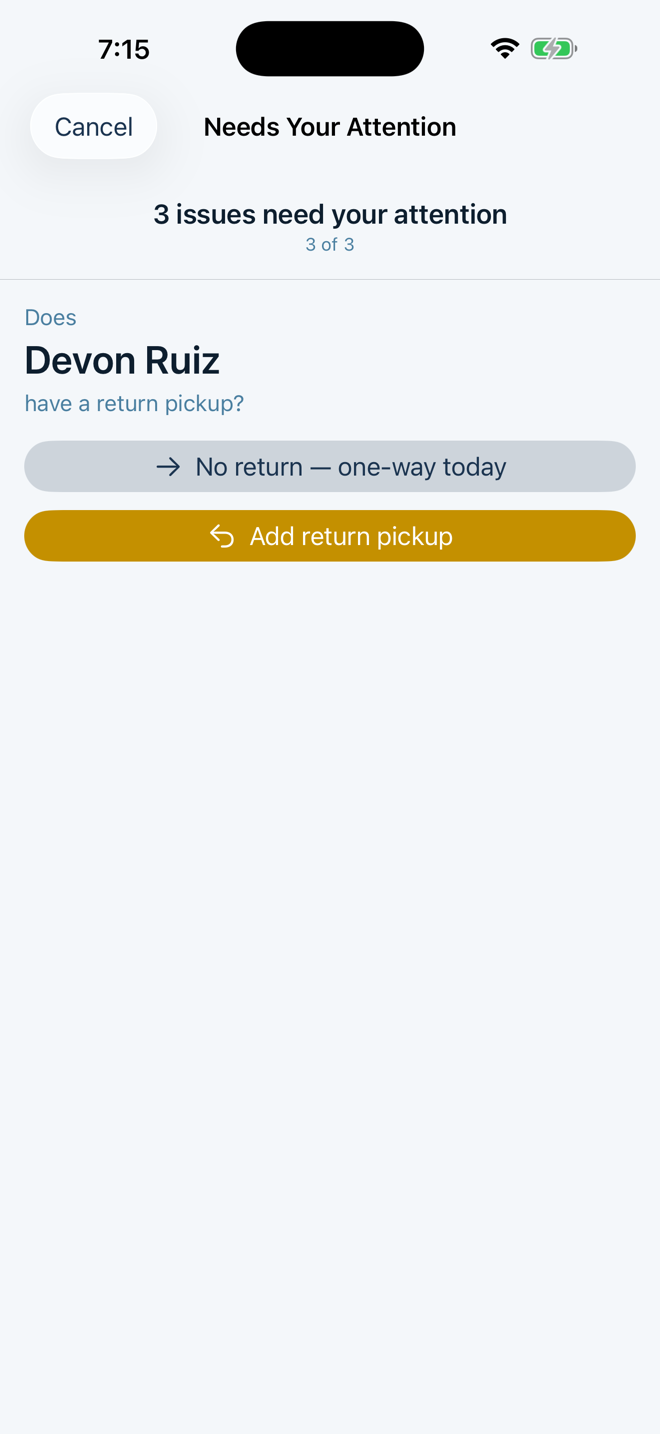
If a rider's outbound run has no matching return pickup later in the schedule, Cambria Bus checks whether that's intentional (a one-way trip today) or whether a return pickup should be added.
Review and accept the drive
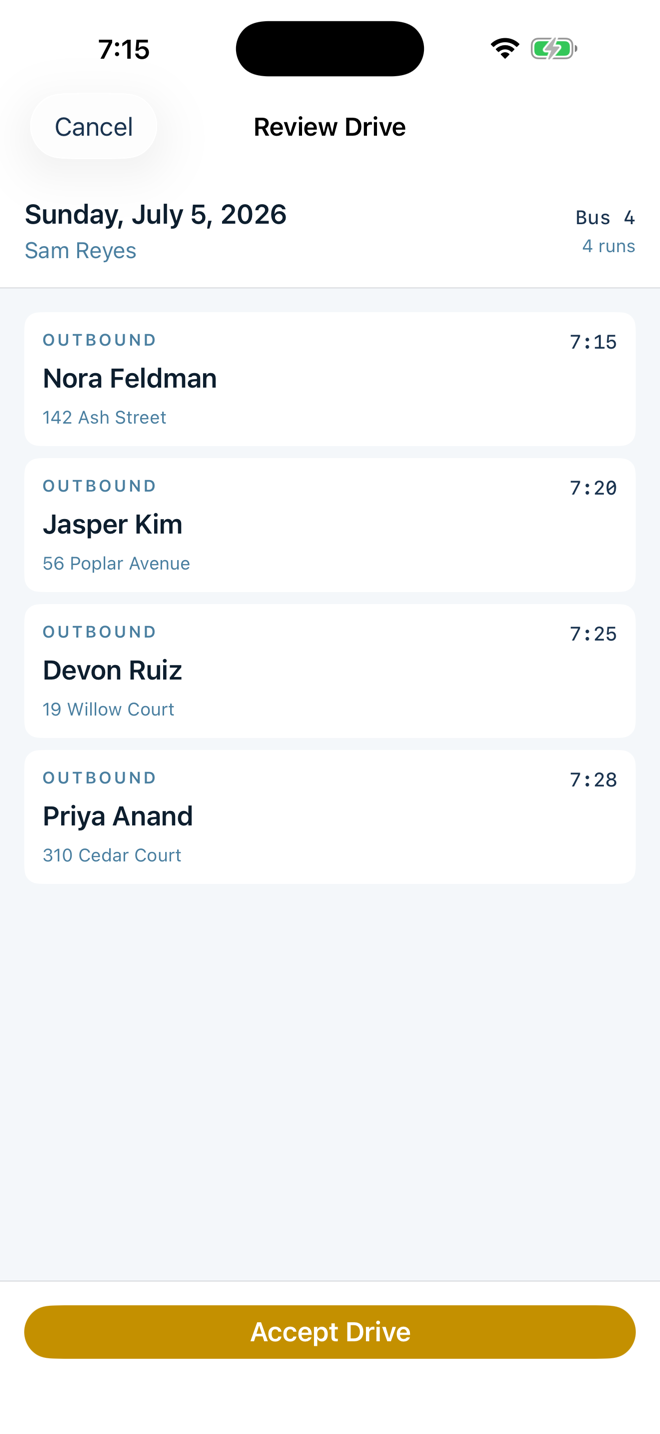
Once every question is answered, Cambria Bus shows the full drive for a final look — every run, in order — before you accept it.
The drive is ready
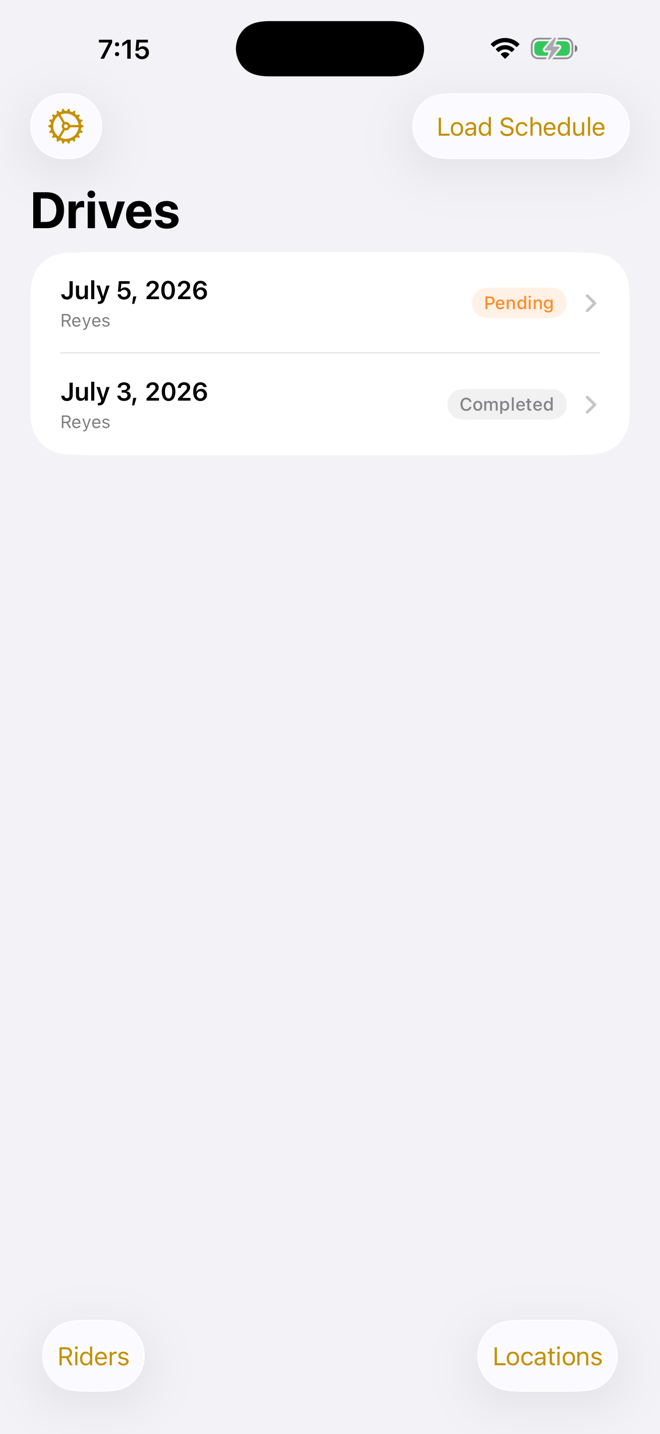
The accepted drive shows up as pending on your drive list, ready to start when it's time to drive.