Get started
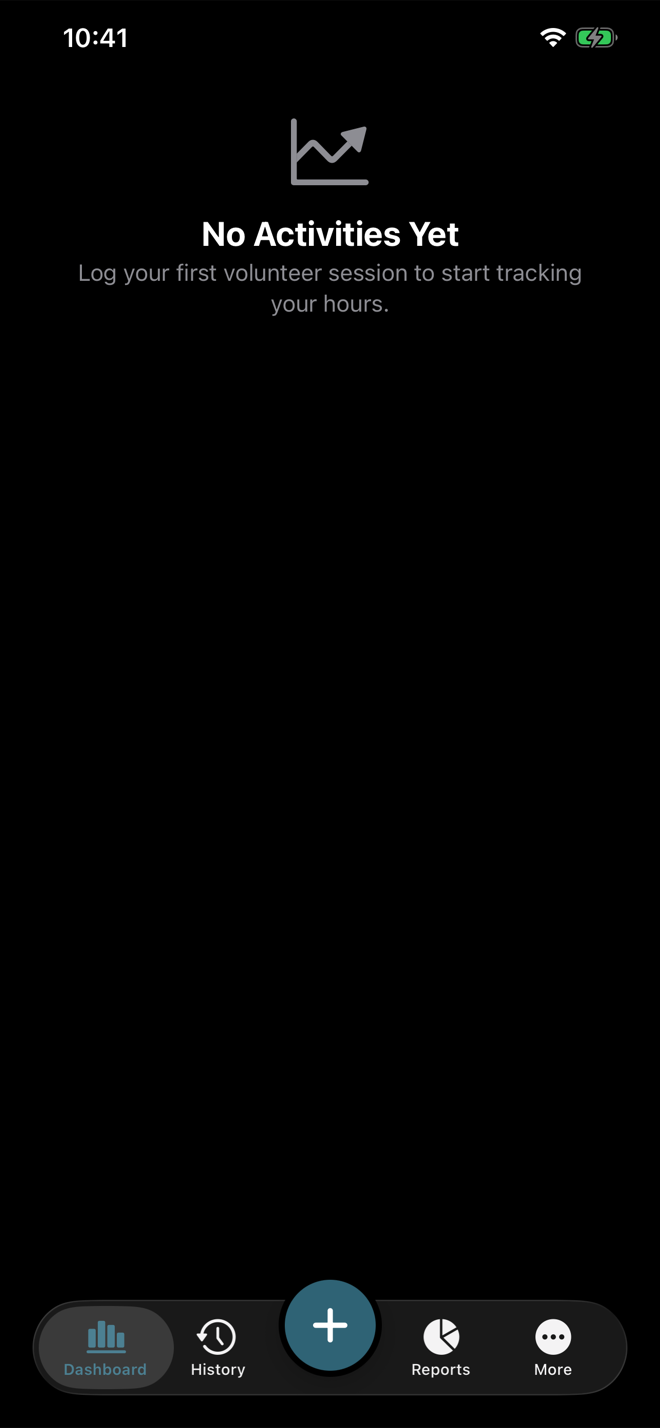
Volunteer Buddy opens directly into your personal volunteer tracker. You do not need to create a Volunteer Buddy account before entering your first activity. Your records are kept on the device; if iCloud is enabled for the app they also sync across your own Apple devices, and if it is not, everything works the same way and stays on that device. See Support for more on storage and syncing.
Open the app
The app creates the built-in General activity type automatically. Use it whenever you do not need a more specific category yet.
Create an organization when you need one
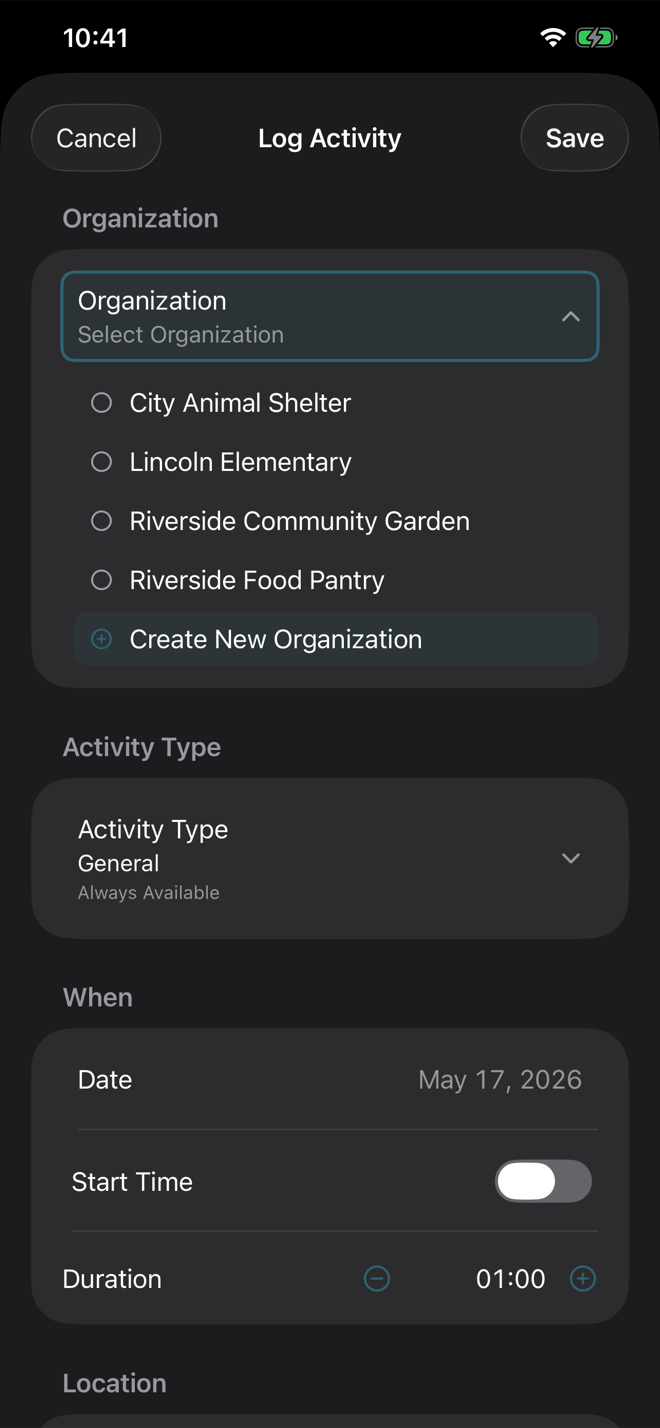
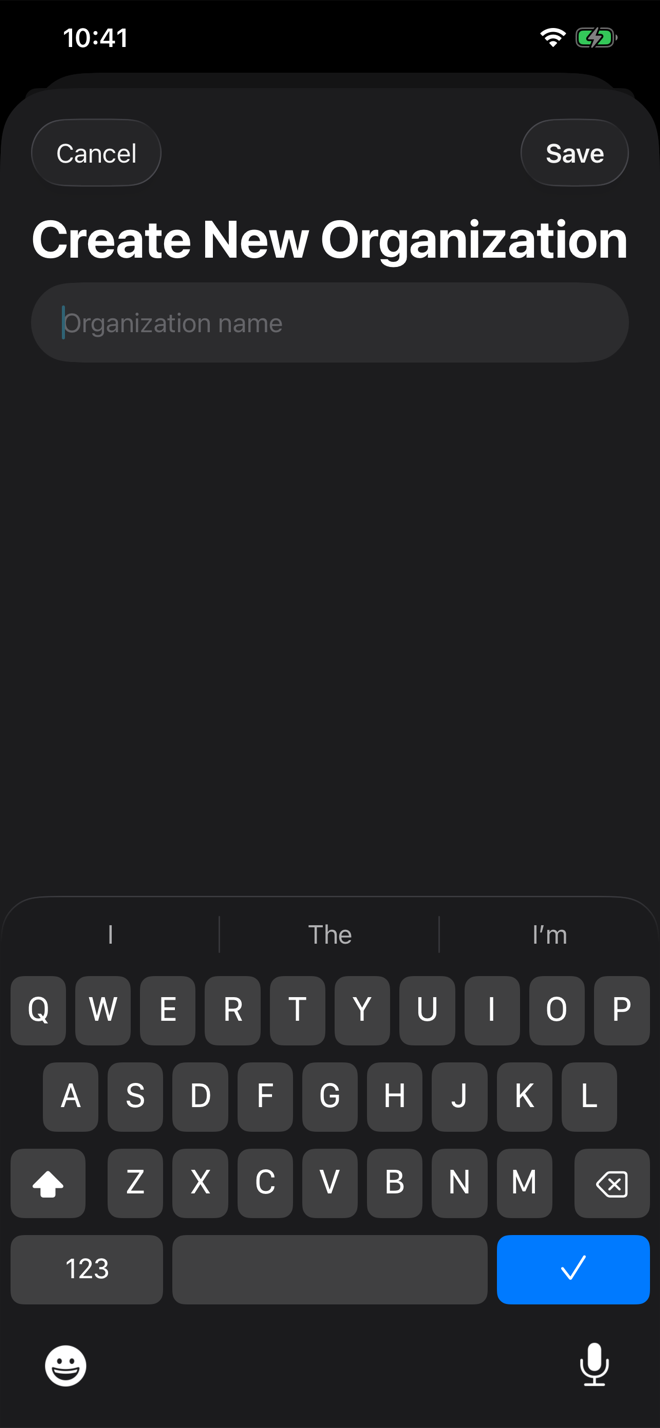
You can create organizations ahead of time from Organizations, or create one while logging an activity. For a first entry, creating it during logging is usually fastest.
Log the first completed session
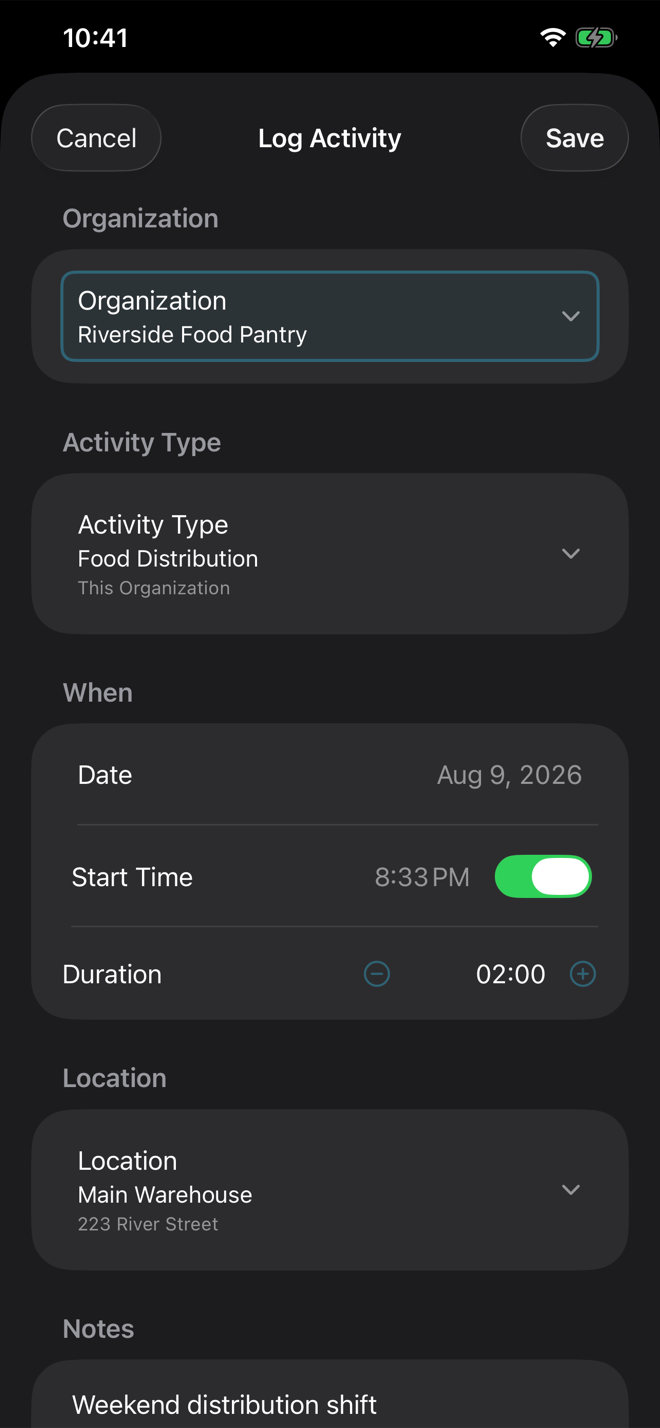
Tap the main Log Activity button, choose the organization, keep General or choose a more specific activity type, enter the date and duration, then save.
Check your dashboard
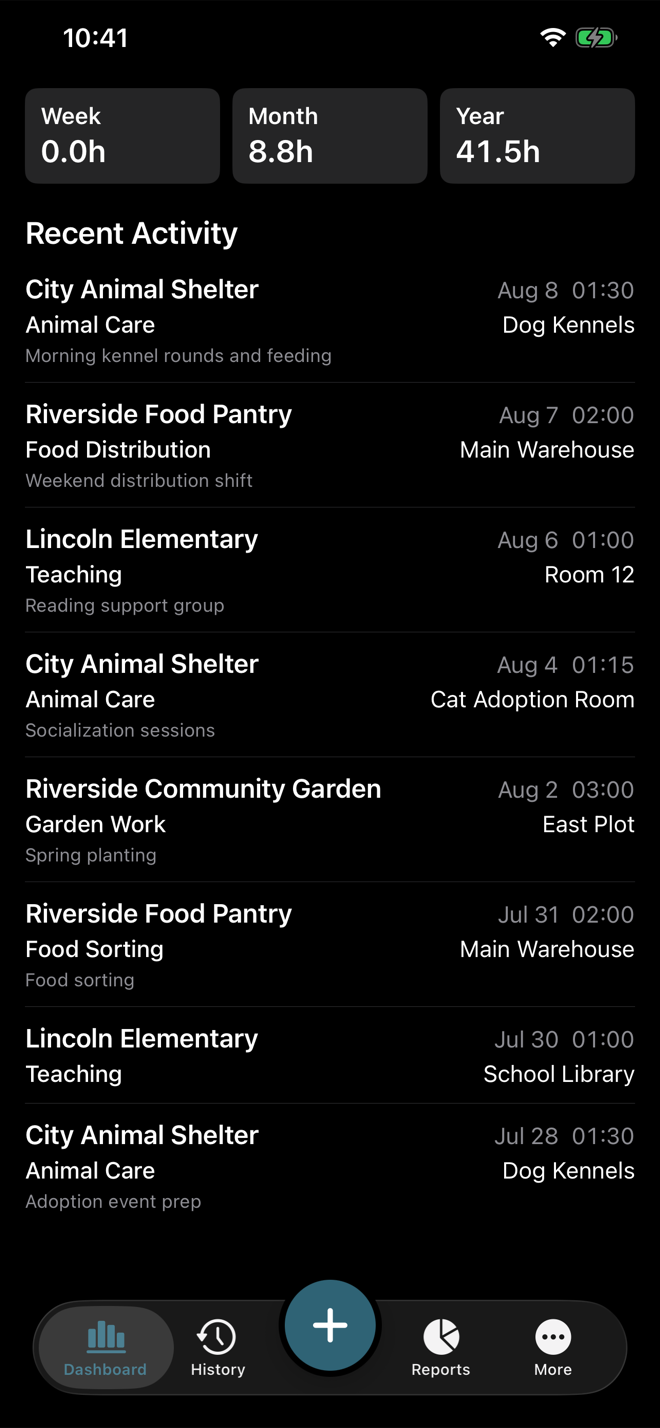
After saving, your entry appears at the top of Recent Activity, and the hour totals for the current week, month, and year update to include it. Any row can be opened again for editing. Your own dashboard will start with just the one entry and fill in as you log more; the screenshot below shows a fuller history so the totals and rows have something to display.