Build reports
Reports summarize completed activity. Use them when you need totals for a period, want to see where your time went, or need to open the exact activities behind a total.
Choose a period
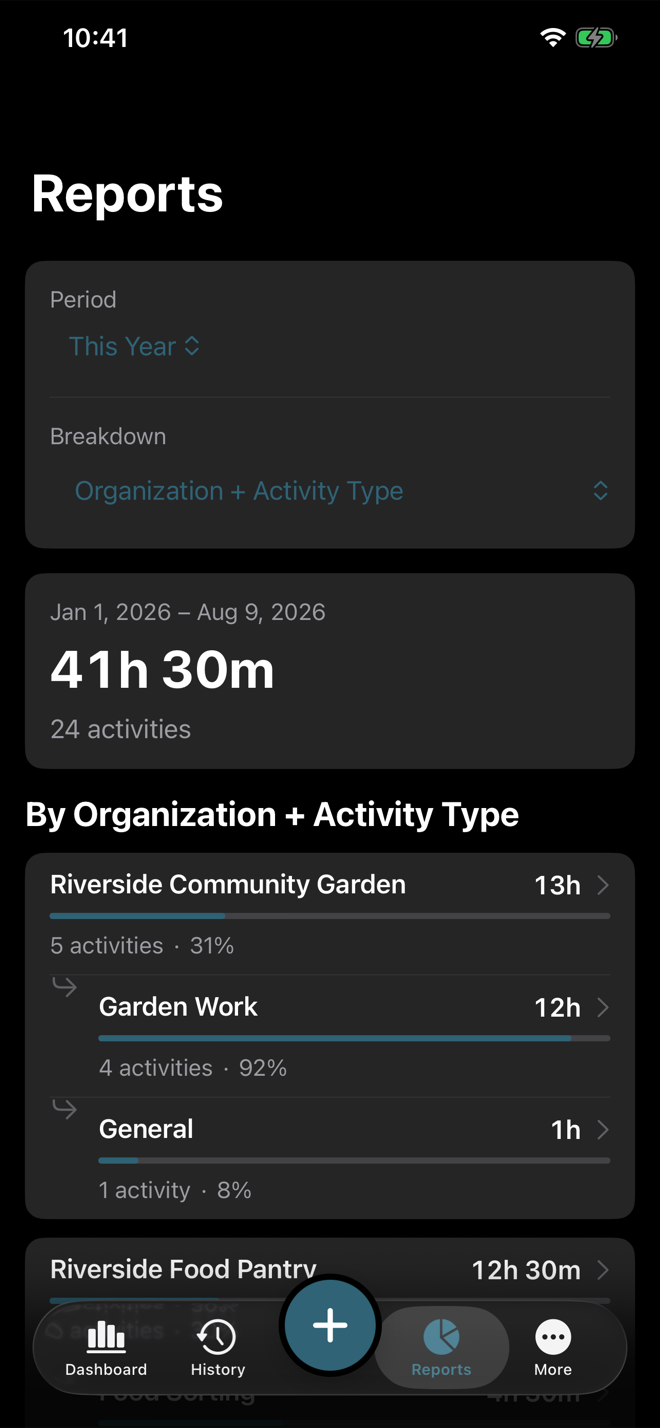
Reports opens on This Year, broken down by Organization + Activity Type. Pick This Month, Last Month, This Year, Last Year, All Time, or Custom for the period. Custom date ranges include the whole selected end date.
Choose a breakdown
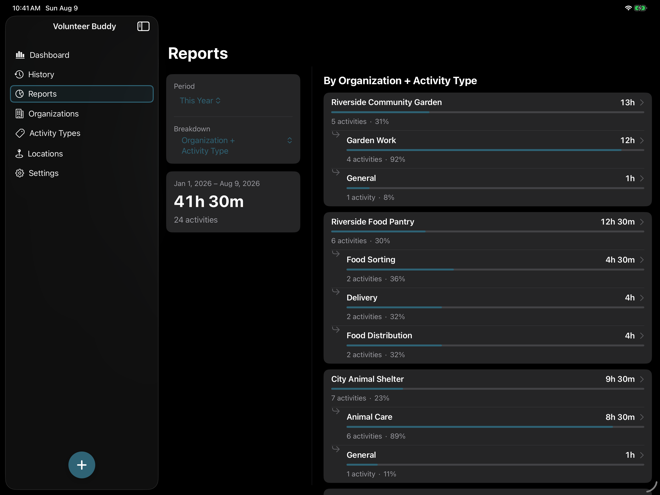
Break reports down by organization, organization plus activity type, activity type, location, or month. Each row shows total duration and matching activity count.
Read the result rows
Bars and percentages show relative share within the current report. The exact duration and activity count are the source of truth.
Drill into a total
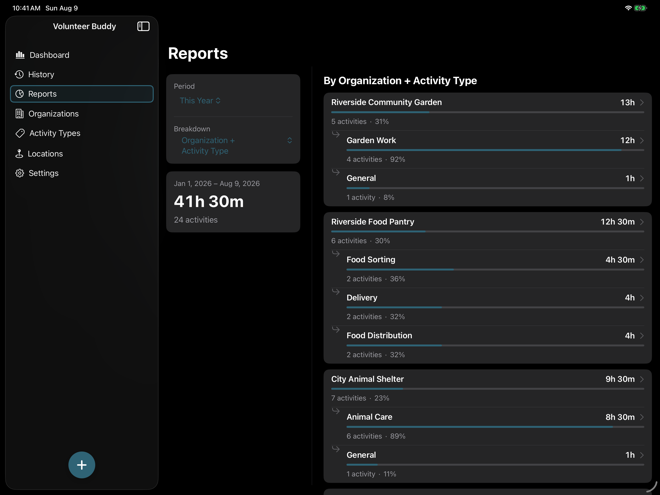
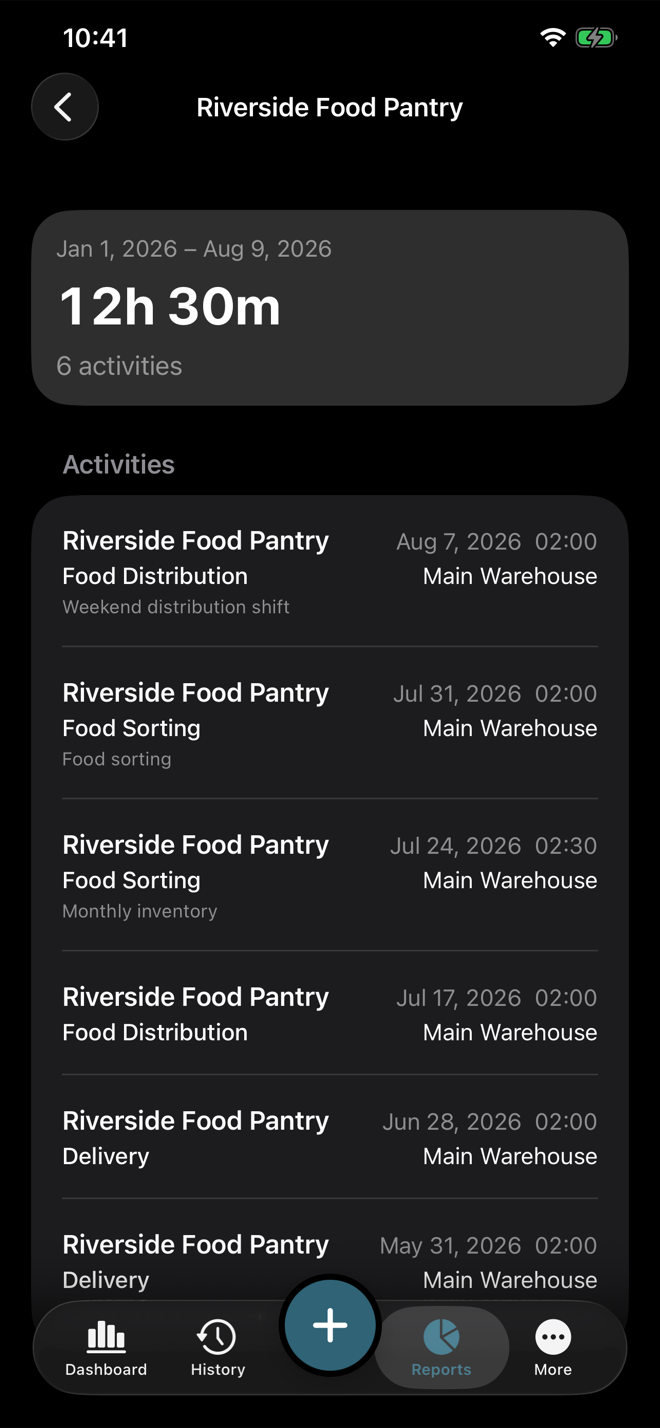
Tap a report row to see the matching activities for that period and breakdown. Open any activity from the drill-down list to edit it.
Use reports with History
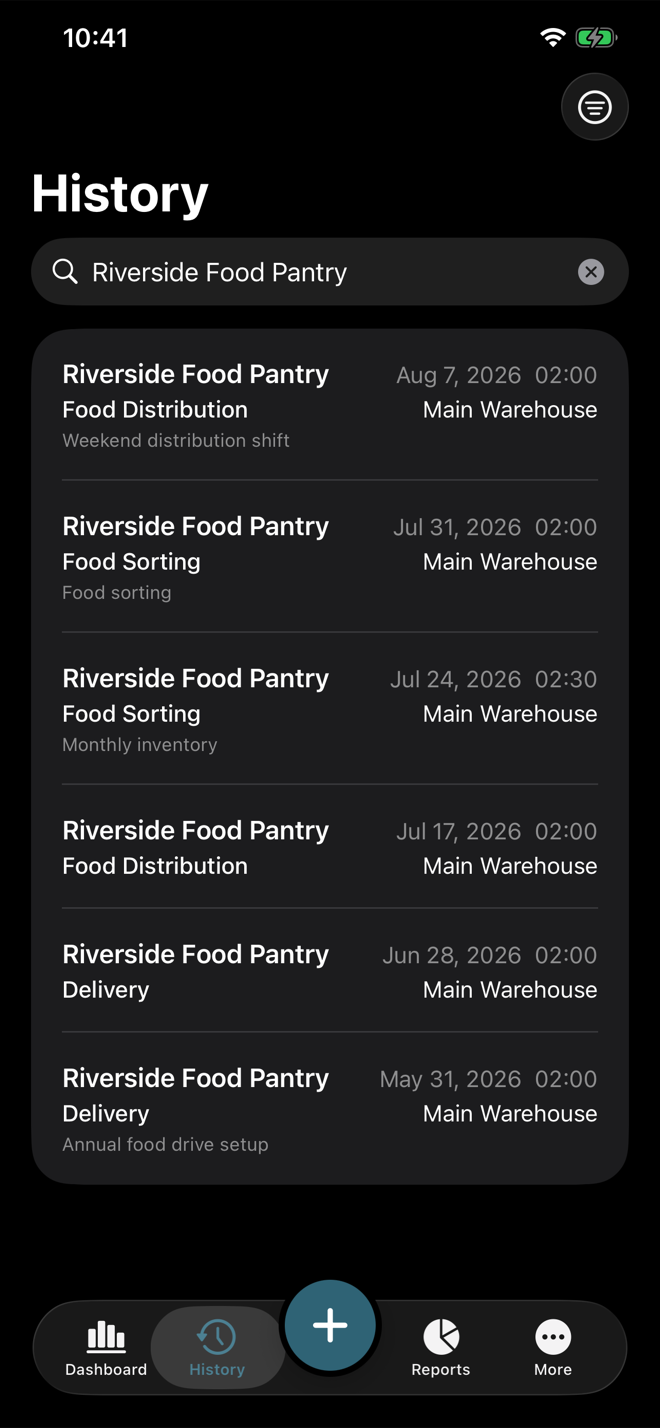
Reports answer "how much?" and History answers "which entries?" Use drill-down when you need to move from a summary total to the records behind it.